
How to Use Text Generation APIs with PHP

Text generation APIs let you add AI-powered features like text generation, translations, and summaries to your PHP projects. Here's what you need to know to get started:
- Setup Requirements: Use PHP 5.6+ with cURL and OpenSSL extensions enabled. Allocate at least 64MB memory (128-256MB recommended).
- API Options: Choose between options like OpenAI (subscription-based) or NanoGPT (pay-as-you-go, local storage for privacy).
- Integration Methods: Use cURL for simple API calls or Guzzle for advanced functionality.
- Key Considerations: Evaluate APIs based on content type, customization, integration ease, response time, and privacy.
Quick Comparison
| Feature | OpenAI API | NanoGPT API |
|---|---|---|
| Pricing Model | Subscription-based | Pay-as-you-go ($0.10) |
| Data Privacy | Cloud storage | Local storage |
| Ease of Use | Moderate | Simple |
| Models Offered | GPT-3.5, GPT-4 | ChatGPT, Gemini, etc. |
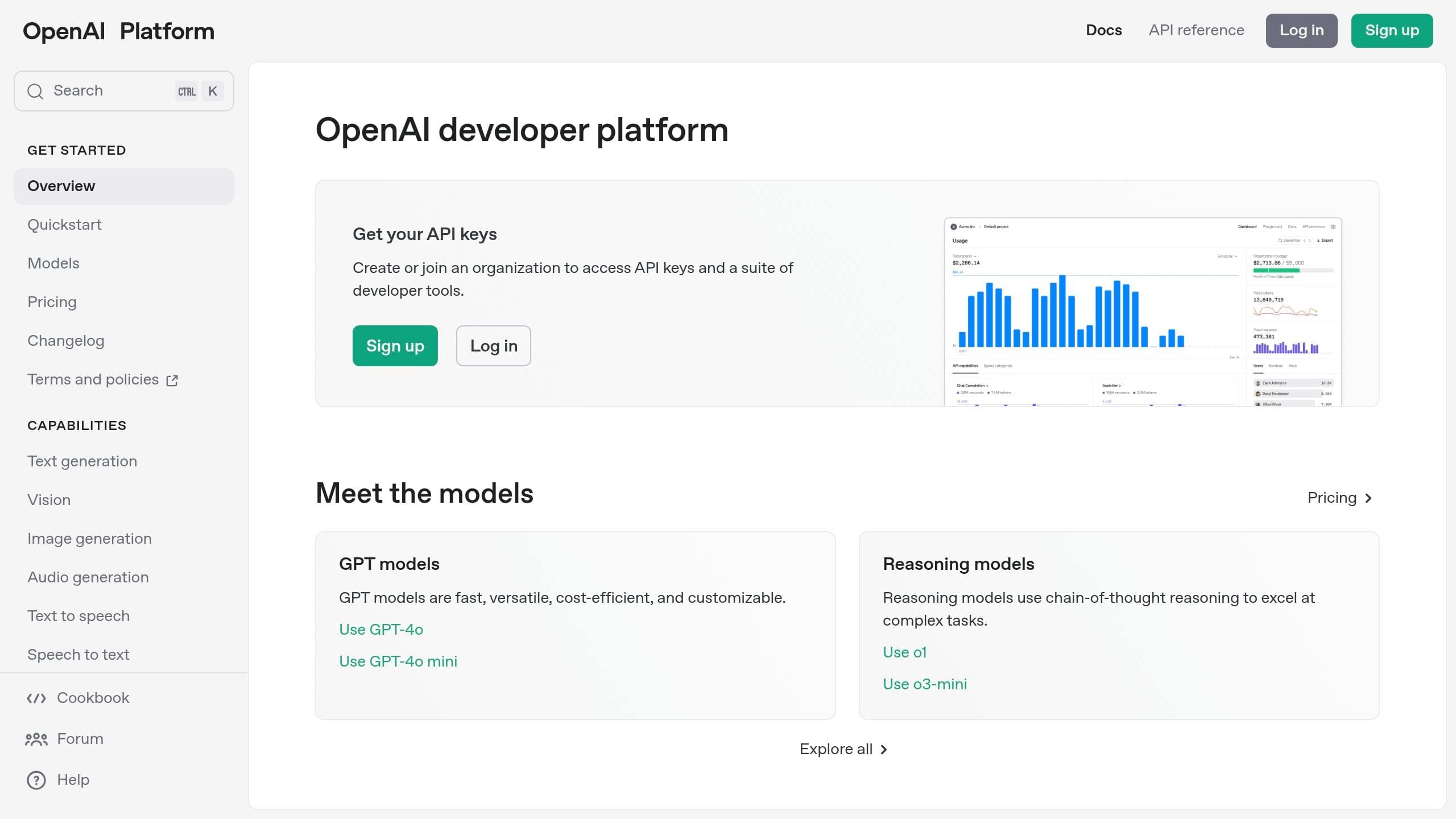
How to use OpenAI API with PHP
PHP Setup Requirements
Set up your PHP environment with the right tools to integrate text generation APIs effectively. This ensures your system is ready for API functionality.
Required Software Installation
Make sure you have the following components installed and configured:
| Component | Requirement | Purpose |
|---|---|---|
| PHP Version | PHP 5.6 or higher | Required for API functionality |
| cURL Extension | v7.61.0+ (PHP 8.4) | Handles HTTP requests to APIs |
| OpenSSL Extension | Latest stable version | Ensures secure HTTPS connections |
| Memory Allocation | 64MB minimum (128-256MB recommended) | Manages API response handling |
To confirm your setup:
- Use
phpinfo()to verify your PHP version and check if cURL is enabled. - Check the
memory_limitsetting in yourphp.inifile. - Ensure both OpenSSL and cURL extensions are active.
Update your php.ini file with these recommended settings:
allow_url_fopen = On
max_execution_time = 50
memory_limit = 256M
Getting Your API Key
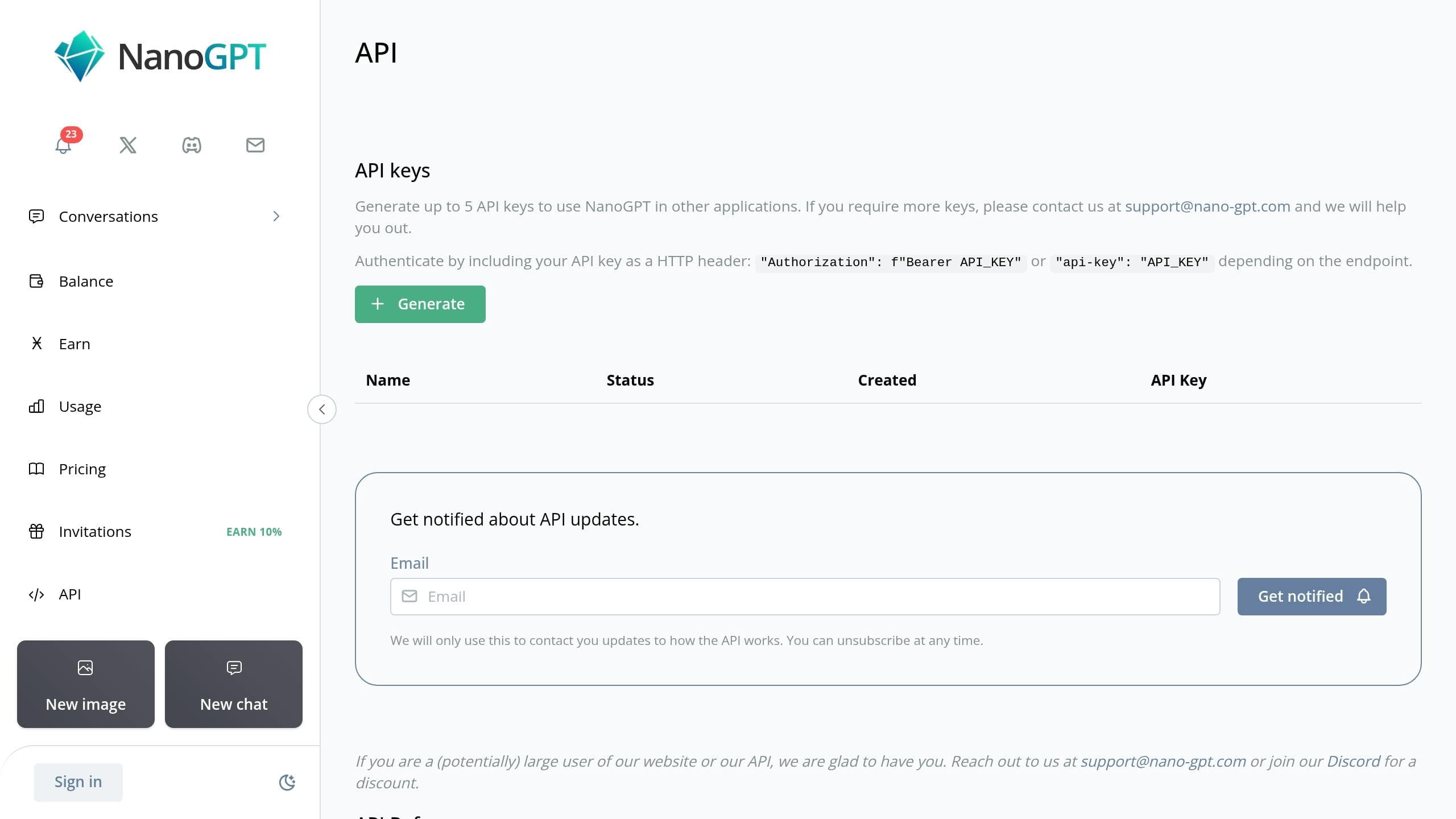
API keys are essential for authentication with most text generation APIs. For example, if you're using NanoGPT (https://nano-gpt.com), sign up on their platform to get your API credentials. NanoGPT offers a pay-as-you-go model, which is ideal for testing and development without long-term commitments.
To secure your API key in production, use environment variables in your Apache configuration:
<VirtualHost *:80>
    SetEnv API_KEY your_api_key_here
</VirtualHost>
Access the key in your PHP code like this:
<?php
$api_key = getenv('API_KEY');
?>
With your environment ready and API key securely stored, you can now proceed to integrate API calls into your PHP scripts.
Adding Text Generation APIs to PHP
With your PHP environment ready, it's time to integrate text generation APIs into your project. This section breaks down how to do it, from straightforward methods to more advanced approaches.
Choosing a Text Generation API
When picking a text generation API, consider the following key features:
| Feature | OpenAI API | NanoGPT API |
|---|---|---|
| Pricing Model | Usage-based subscription | Pay-as-you-go ($0.10 minimum) |
| Available Models | GPT-3.5, GPT-4 | Multiple (ChatGPT, Gemini, Deepseek) |
| Data Privacy | Cloud storage | Local device storage |
| Integration Complexity | Moderate | Simple |
NanoGPT allows pay-as-you-go access to various AI models, while OpenAI provides subscription-based pricing with powerful GPT models. Once you've chosen an API, follow the examples below to integrate it into your PHP application.
Using cURL for Basic API Requests
PHP's built-in cURL functions make it easy to interact with APIs. Here's a production-ready example to send a request:
function makeTextGenerationRequest($endpoint, $apiKey, $prompt) {
    $curl = curl_init();

    $data = array(
        "prompt" => $prompt,
        "max_tokens" => 150,
        "temperature" => 0.7
    );

    curl_setopt_array($curl, [
        CURLOPT_URL => $endpoint,
        CURLOPT_RETURNTRANSFER => true,
        CURLOPT_POST => true,
        CURLOPT_POSTFIELDS => json_encode($data),
        CURLOPT_HTTPHEADER => array(
            'Authorization: Bearer ' . $apiKey,
            'Content-Type: application/json'
        )
    ]);

    $response = curl_exec($curl);

    if (!$response) {
        throw new Exception(curl_error($curl));
    }

    curl_close($curl);
    return json_decode($response, true);
}
This method is straightforward and works well for simple use cases.
Advanced Integration with Guzzle
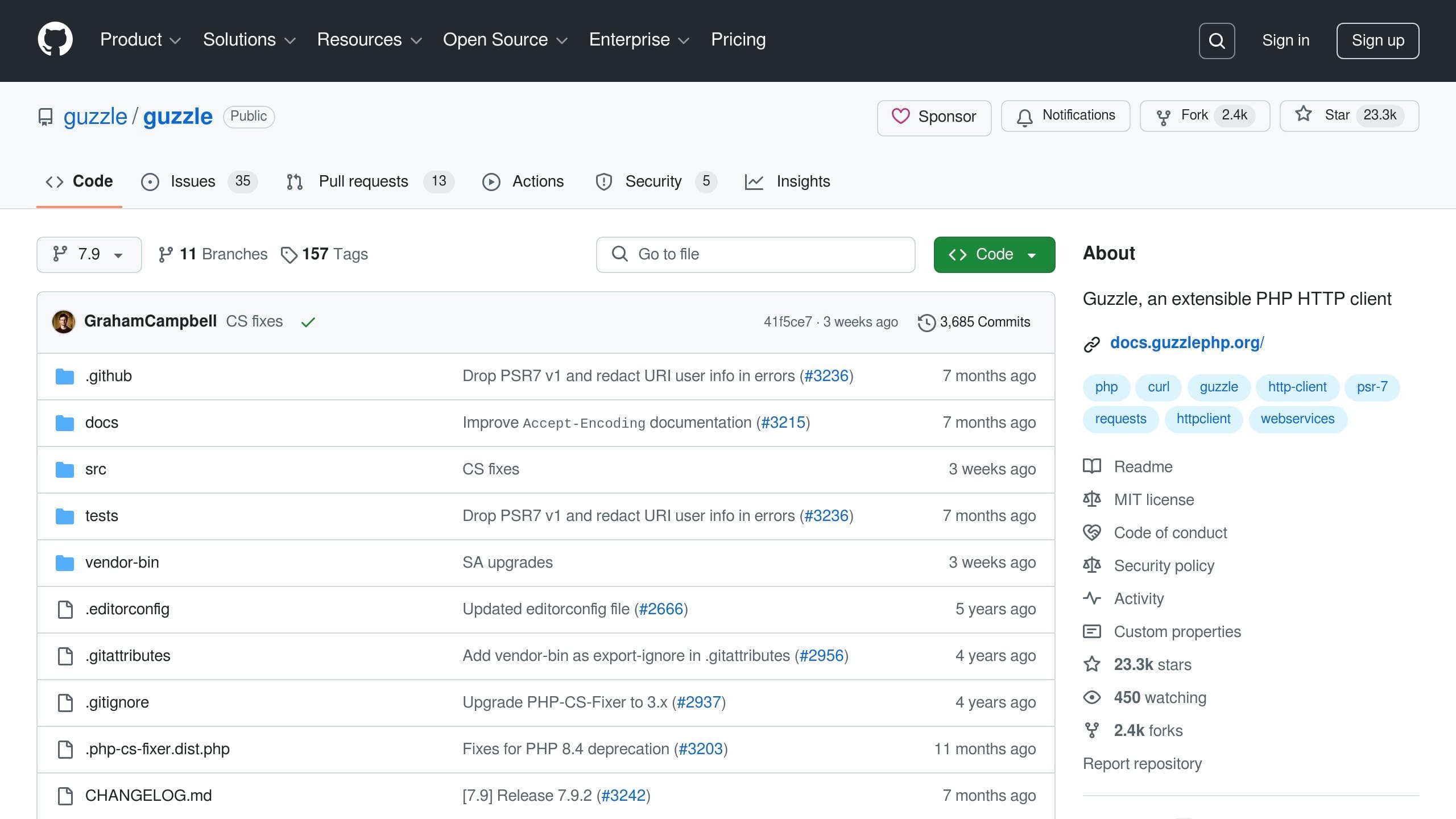
For more complex requirements, Guzzle provides a robust solution. First, add Guzzle to your project:
composer require guzzlehttp/guzzleNext, use the following example to interact with the API:
use GuzzleHttp\Client;
use GuzzleHttp\Exception\RequestException;

class TextGenerationClient {
    private $client;
    private $apiKey;

    public function __construct($apiKey, $baseUri) {
        $this->apiKey = $apiKey;
        $this->client = new Client([
            'base_uri' => $baseUri,
            'headers' => [
                'Authorization' => 'Bearer ' . $apiKey,
                'Content-Type' => 'application/json'
            ]
        ]);
    }

    public function generateText($prompt) {
        try {
            $response = $this->client->post('/v1/completions', [
                'json' => [
                    'prompt' => $prompt,
                    'max_tokens' => 150,
                    'temperature' => 0.7
                ]
            ]);

            return json_decode($response->getBody(), true);
        } catch (RequestException $e) {
            throw new Exception("API request failed: " . $e->getMessage());
        }
    }
}
Guzzle simplifies error handling and supports middleware, making it a great choice for advanced API interactions. Whether you're building a simple script or a complex application, these examples will help you get started.
sbb-itb-903b5f2
Code Examples
Here are some practical code samples to demonstrate how to integrate with different APIs. These examples show how to implement API calls based on the strategies discussed earlier.
OpenAI API Code Sample
This PHP class provides a way to interact with the OpenAI API:
class OpenAITextGenerator {
    private $apiKey;
    private $client;
    private $endpoint = 'https://api.openai.com/v1/completions';

    public function __construct($apiKey) {
        $this->apiKey = $apiKey;
        $this->client = new GuzzleHttp\Client();
    }

    public function generateText($prompt, $options = []) {
        try {
            $defaultOptions = [
                'model' => 'gpt-3.5-turbo',
                'max_tokens' => 150,
                'temperature' => 0.7,
                'top_p' => 1.0,
                'frequency_penalty' => 0.0,
                'presence_penalty' => 0.0
            ];

            $requestData = array_merge($defaultOptions, $options, ['prompt' => $prompt]);

            $response = $this->client->post($this->endpoint, [
                'headers' => [
                    'Authorization' => 'Bearer ' . $this->apiKey,
                    'Content-Type' => 'application/json',
                ],
                'json' => $requestData
            ]);

            $result = json_decode($response->getBody(), true);
            return $result['choices'][0]['text'];

        } catch (GuzzleHttp\Exception\RequestException $e) {
            $errorResponse = json_decode($e->getResponse()->getBody(), true);
            throw new Exception(
                "API Error: " . ($errorResponse['error']['message'] ?? 'Unknown error'),
                $e->getCode()
            );
        }
    }
}
Usage Example:
$generator = new OpenAITextGenerator('your-api-key');

try {
    $response = $generator->generateText(
        "Write a product description for a smart coffee maker.",
        ['temperature' => 0.8, 'max_tokens' => 200]
    );
    echo $response;
} catch (Exception $e) {
    error_log("Text generation failed: " . $e->getMessage());
}
NanoGPT API Code Sample
This PHP class demonstrates how to connect with the NanoGPT API:
class NanoGPTClient {
    private $apiKey;
    private $endpoint = 'https://api.nano-gpt.com/v1/generate';
    private $client;

    public function __construct($apiKey) {
        $this->apiKey = $apiKey;
        $this->client = new GuzzleHttp\Client([
            'timeout' => 30,
            'http_errors' => true
        ]);
    }

    public function generateText($prompt, $model = 'chatgpt', $options = []) {
        try {
            $defaultOptions = [
                'max_tokens' => 150,
                'temperature' => 0.7,
                'model' => $model,
                'store_locally' => true
            ];

            $requestData = array_merge($defaultOptions, $options, [
                'prompt' => $prompt
            ]);

            $response = $this->client->post($this->endpoint, [
                'headers' => [
                    'Authorization' => 'Bearer ' . $this->apiKey,
                    'Content-Type' => 'application/json',
                ],
                'json' => $requestData
            ]);

            return json_decode($response->getBody(), true);

        } catch (GuzzleHttp\Exception\RequestException $e) {
            if ($e->hasResponse()) {
                $errorBody = json_decode($e->getResponse()->getBody(), true);
                throw new Exception(
                    "NanoGPT API Error: " .
                    ($errorBody['error'] ?? 'Unknown error'),
                    $e->getCode()
                );
            }
            throw $e;
        }
    }
}
Implementation Example:
$nanoGPT = new NanoGPTClient('your-api-key');

try {
    $result = $nanoGPT->generateText(
        "Explain quantum computing in simple terms",
        'gemini',
        [
            'temperature' => 0.5,
            'max_tokens' => 300
        ]
    );

    if (isset($result['generated_text'])) {
        echo $result['generated_text'];
    }
} catch (Exception $e) {
    error_log("NanoGPT request failed: " . $e->getMessage());
}
Both examples handle errors gracefully and allow for parameter customization. The OpenAI snippet focuses on generating standard completions, while the NanoGPT example highlights features like local storage and support for multiple models.
API Implementation Guidelines
When integrating APIs, it's important to secure your calls and handle errors and parameters effectively. Below are some practical steps to achieve this.
API Key Security
Protecting your API keys is a top priority when using text generation APIs in PHP. Avoid hardcoding keys directly into your source code. Instead, use secure storage methods like environment variables.
Here’s an example of how to securely access an API key:
// Load environment variables from .env file
require 'vendor/autoload.php';
$dotenv = Dotenv\Dotenv::createImmutable(__DIR__);
$dotenv->load();

// Access API key securely
$apiKey = $_ENV['API_KEY'];
This approach ensures your API keys remain secure and are not exposed in your codebase.
API Error Management
A solid error-handling strategy is essential for maintaining a stable application. Here's an example of how to manage common API errors:
try {
    $response = $client->request('POST', $endpoint, [
        'headers' => ['Authorization' => 'Bearer ' . $apiKey],
        'json' => $requestData,
        'timeout' => 30,
        'connect_timeout' => 5
    ]);
} catch (RequestException $e) {
    if ($e->hasResponse()) {
        $statusCode = $e->getResponse()->getStatusCode();
        switch ($statusCode) {
            case 429:
                // Retry with exponential backoff
                sleep(pow(2, $retryAttempt));
                break;
            case 500:
                // Log the error and alert admin
                error_log("Server Error: " . $e->getMessage());
                break;
        }
    }
}
This ensures your application can handle rate limits, server errors, and other potential issues without crashing.
API Parameter Settings
Fine-tuning API parameters has a direct impact on the quality of the output. Here’s a quick reference for some key settings:
| Parameter | Purpose | Recommended Settings |
|---|---|---|
| temperature | Controls output randomness | 0-0.3: Factual content 0.7: Balanced output 0.8-1: Creative content |
| max_tokens | Limits response length | 150: Short responses 512: Medium content 1024: Long-form content |
| top_p | Controls output diversity | 0.1: Focused responses 0.7: Default setting 1.0: Maximum diversity |
For factual results, set a lower temperature value. Keep in mind that max_tokens affects both the input and output length when using GPT models .
You can also validate these parameters programmatically to avoid errors:
function validateParameters($params) {
    if ($params['temperature'] < 0 || $params['temperature'] > 2) {
        throw new InvalidArgumentException('Temperature must be between 0 and 2');
    }
    if ($params['max_tokens'] > 4096) {
        throw new InvalidArgumentException('max_tokens cannot exceed 4096');
    }
}
Conclusion
This guide has covered the essential steps for integrating text generation APIs with PHP. Key considerations include secure key management and effective error handling to ensure smooth operation . A strong implementation also accounts for API failures and rate limits.
To get the best results, configure your API parameters to match your specific needs. Since different models vary in terms of accuracy, speed, and cost, selecting the right one is crucial . Striking the right balance will help you achieve your project goals efficiently.
Privacy is another critical factor. Tools like NanoGPT store data locally and provide access to multiple AI models on a pay-as-you-go basis, making them a practical choice for smaller projects.