Top 6 AI Models for Creative Professionals in 2025
AI is now essential for creative work. 78% of professionals use AI daily, improving productivity by 40%. The creative AI market has grown to $37.5 billion, and hybrid skills combining AI and traditional expertise are in high demand.
Here are the 6 best AI tools for creative tasks in 2025:
- Midjourney V6: Advanced image generation for concept art, architecture, and marketing visuals.
- Adobe Firefly Video Model: Text-to-video creation with seamless integration into Adobe Creative Cloud.
- NanoGPT: Affordable text and image generation with real-time collaboration.
- Runway ML: Video production with text-to-video, motion tracking, and 8K support.
- DALL-E 3: High-quality static images for design, medical, and marketing purposes.
- Ideogram: Text-in-image generation ideal for branding and advertising.
Quick Comparison
| Tool | Best For | Key Feature | Pricing |
|---|---|---|---|
| Midjourney | Artistic imagery | Multi-prompt control | $10–$120/month |
| Adobe Firefly | Video creation | Text-to-video capabilities | $29.99–$79.99/month |
| NanoGPT | Text and image creation | Pay-as-you-go pricing | $0.04/image |
| Runway ML | Video editing | Real-time collaboration | $15–$35/month |
| DALL-E 3 | Photorealistic images | Professional-grade quality | $20/month |
| Ideogram | Branding design | Precise text-image merging | Free–$20/month |
These tools are shaping the future of creative workflows, combining AI efficiency with ethical practices.
7 BEST Free & Paid AI Image Generators
1. Midjourney
Midjourney has set a high bar with its 2025 updates, showcasing advanced image generation capabilities. Its multi-prompt system gives users more control over image elements and style, producing ultra-high-resolution results.
A great example of its impact: Netflix's design team used Midjourney to cut concept art creation time by 60% and reduce pre-production costs by 40% for their project 'Nebula Rising'.
Midjourney offers tailored features for various industries:
| Industry | Uses | Features |
|---|---|---|
| Film & TV | Concept art, storyboarding | Real-time collaboration, scene visualization |
| Fashion | Pattern design, prototyping | Textile pattern generation, style consistency |
| Architecture | Space visualization | Structural accuracy, perspective control |
| Marketing | Campaign visuals | Brand-specific fine-tuning, style matching |
Subscription plans start at $10/month for basic access and go up to $120/month for enterprise users. The $60 Pro Plan includes 3,000 GPU minutes and priority processing.
The platform also offers advanced inpainting and outpainting tools, making it easier to edit and expand images. Plus, integration with popular design software has been simplified for smoother workflows.
While Midjourney is excellent for generating initial concepts and variations, traditional editing tools are still needed for final refinements. This reflects the growing demand for professionals skilled in both AI tools and traditional techniques.
Key tips for professionals:
- Learn how to master prompt engineering and style parameters.
- Use version control systems to manage iterations.
- Take advantage of real-time collaboration features.
Midjourney also emphasizes ethical AI practices, with transparent data use policies and strong content filters, making it a trusted choice for creative professionals in 2025.
2. Adobe Firefly Video Model
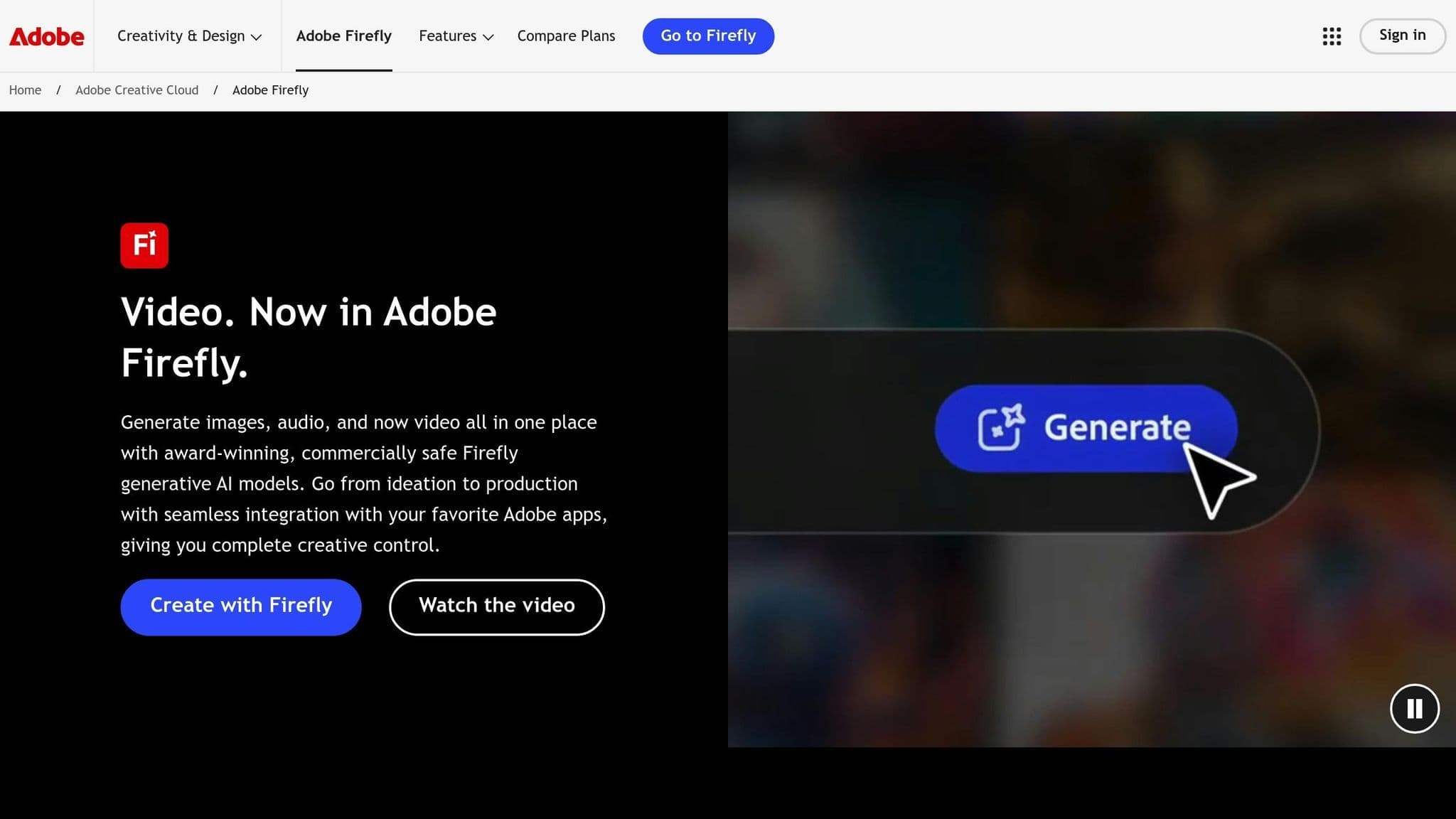
Adobe Firefly Video Model stands out in dynamic content creation, especially when combined with Adobe's Creative Cloud suite. Its text-to-video capabilities let professionals generate, edit, and refine video content using simple language prompts. This tight integration ensures a smooth workflow across Adobe tools, making it a go-to choice for creators adapting to today's evolving demands.
Firefly caters to industries like:
- Marketing: Social media content creation
- Film/TV: Pre-visualization for projects
- Education: Course material production
- Real Estate: Virtual tour creation
Similar to Midjourney's style controls, Firefly provides detailed customization tools such as text-to-video generation, AI object removal, audio-synced animations, and smart color grading.
Technical Specifications
- Style transfer for video sequences
- Support for multiple languages
- Seamless Premiere Pro timeline integration
- Access to Adobe Stock assets
- AI-powered background generation
- Hardware requirements: 32GB RAM for 4K projects, 8GB GPU VRAM, SSD for fast rendering, multi-core processor with 64-bit support
The service costs $29.99/month as a standalone product or is included in the Creative Cloud All Apps plan for $79.99/month.
Real-World Applications
National Geographic's documentary team tapped into Firefly's features to streamline their production process, showcasing its practical use in high-profile projects.
Ethical Content Creation
Adobe Firefly prioritizes ethical practices by incorporating:
- Transparency tags for AI-generated assets
- Training based on Adobe Stock and licensed content
- Optional watermarking to ensure clarity
These features align with the Creative AI Ethics Coalition's standards, offering built-in compliance for professionals.
3. NanoGPT
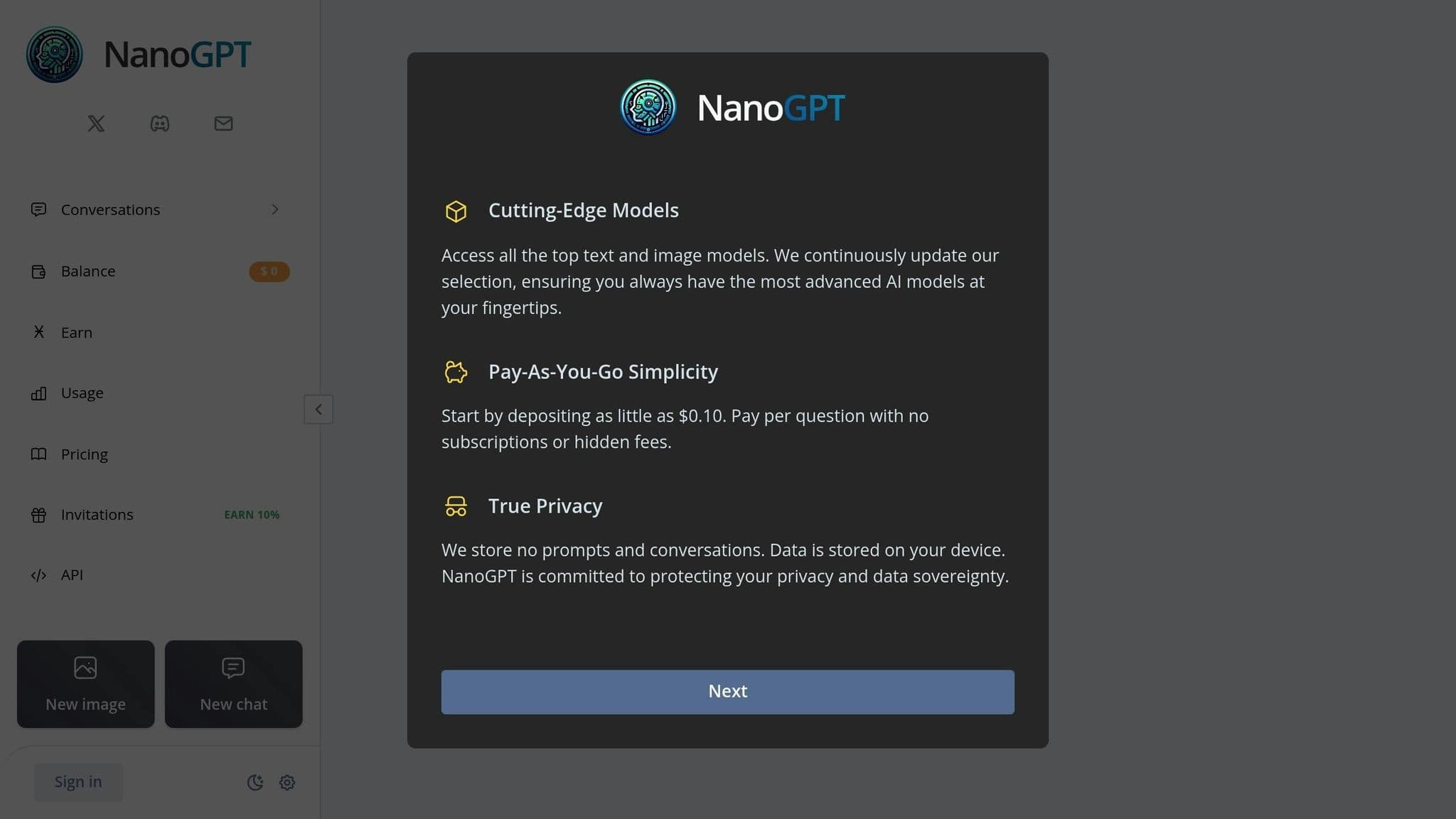
While Adobe dominates video workflows, NanoGPT has carved out a space for itself by focusing on text-driven tools. It meets the growing demand for accessible creative solutions in 2025, offering high-quality output at startup-friendly costs through its pay-as-you-go pricing model.
Core Capabilities
NanoGPT stands out in generating both text and images, making it ideal for handling complex, multi-format projects. Its advanced natural language processing ensures smooth and coherent content creation, even for longer-form pieces.
Here are some of its top features:
- AI-powered collaborative editing with real-time co-writing
- Support for over 50 languages
- Integration of advanced image recognition
- Customizable brand voice settings for tailored content
Pricing Structure
NanoGPT’s pricing is designed to be flexible and accessible for creators of all levels:
| Usage Type | Cost | Notes |
|---|---|---|
| Text Generation | From $0.001 | Pay-as-you-go |
| Image Generation | From $0.005/image | Pas-as-you-go |
| Custom Fine-tuning | Starting at $5000 | One-time fee |
Professional Integration
NanoGPT offers integration with practically every image generation service there is, and offers all of it in one place. This is especially helpful for freelancers and small teams seeking premium features without hefty infrastructure costs.
Ethical AI Practices
NanoGPT incorporates strict ethical guidelines, including:
- Tools for filtering inappropriate content
- On-device storage of images rather than on server
Performance Analytics
NanoGPT also includes real-time tracking of usage and costs to monitor and optimize performance.
Industry Applications
- Cross-format Content Creation
NanoGPT produces marketing copy, scripts, and visual briefs while ensuring brand consistency. - Visual Content Assistance
Its image recognition capabilities allow for automatic captioning and detailed visual descriptions, making it a great fit for multimedia projects. - Brand Communication
The "style library" feature helps teams maintain a consistent brand voice across all their generated content.
sbb-itb-903b5f2
4. Runway ML
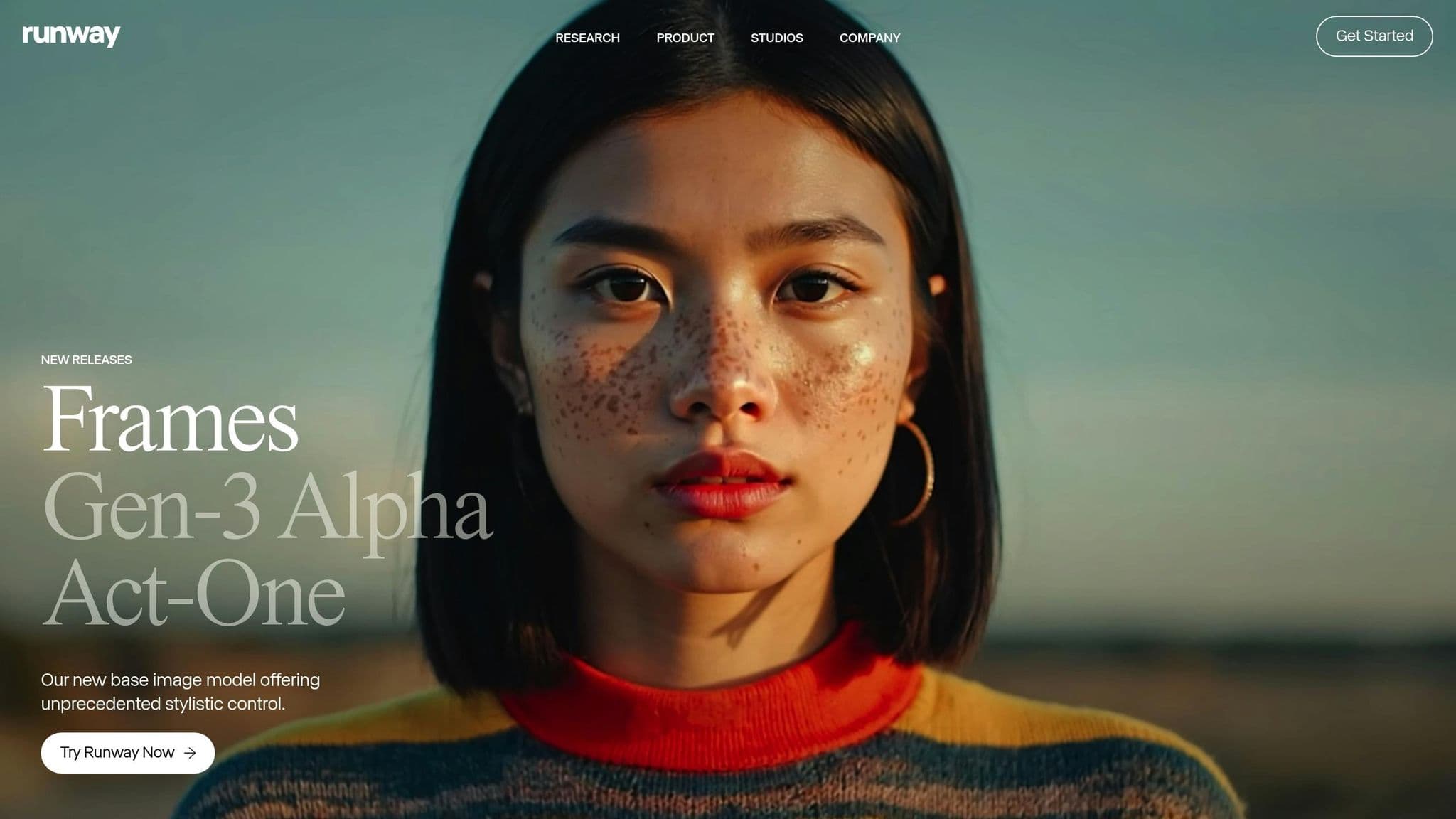
Runway ML stands out in cross-platform video production, offering cutting-edge tools and features. Its 2025 version supports up to 8K resolution at 120fps, setting a high bar for video quality.
Key Video Generation Features
Runway ML's standout feature is its text-to-video generation system, which includes:
- Real-time video creation from text prompts
- Advanced motion tracking and object removal
- Smooth CGI integration with live footage
Professional Software Integration
Runway ML connects seamlessly with leading industry software, enhancing workflows:
| Software | Integration Type | Key Features |
|---|---|---|
| DaVinci Resolve | API Integration | Color grading, VFX automation |
| Unreal Engine | Real-time Pipeline | Asset creation, virtual production |
| Avid Media Composer | Direct Plugin | Project synchronization |
These integrations make it a powerful tool for professionals working across platforms.
System Requirements
To fully utilize Runway ML, you'll need robust hardware:
| Component | Specifications |
|---|---|
| GPU | RTX 4090 (24GB) |
| RAM | 64GB DDR5 |
| Storage | 2TB NVMe SSD |
Pricing Options
Runway ML offers flexible pricing plans:
- Free tier: Basic features
- Individual Pro: $15/month
- Team Pro: $35/month
- Enterprise: Custom pricing
Practical Applications
The platform delivers impressive results, such as VR studio ImmersiveWorld's use of Runway ML to create "Dreamscape" with real-time environment generation.
Collaboration Features
Teams can collaborate efficiently with real-time project sharing and cloud-based processing, making it adaptable to various hardware setups.
Industry Accolades
Runway ML has earned recognition and trust in the market:
- Secured $195 million in funding
- Valued at $1.5 billion after Series D
- Won the "Best of Innovation" award at CES 2023
Additionally, the platform ensures ethical AI use by adhering to Creative AI Ethics Coalition standards, including content provenance tracking. Runway ML continues to be a top choice for creative professionals looking to elevate their workflows in 2025.
5. DALL-E 3
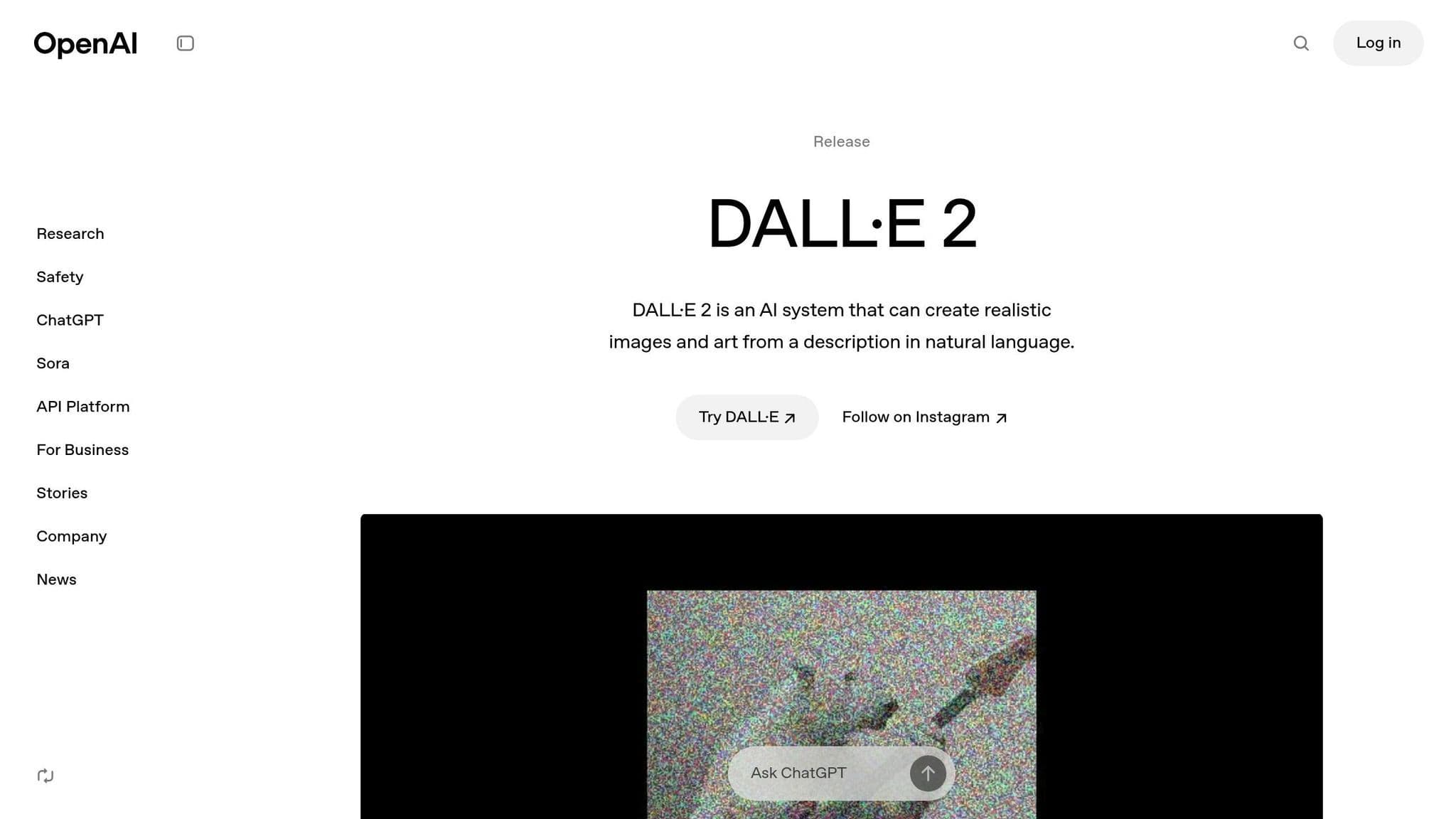
DALL-E 3 has taken static image creation to the next level in 2025. Unlike earlier models, it delivers 1024x1024 resolution images that meet professional standards without requiring any upscaling - a standout feature in the world of AI-generated visuals.
What It Can Do
| Feature | Professional Use Case |
|---|---|
| Photorealistic Rendering | Product visualization and marketing |
| Precise Biological Proportions | Medical and scientific illustrations |
| Consistent Perspective | Interior design and architectural concepts |
| High-Quality Textures | Material and fabric visualization |
| Realistic Lighting | Design projects for environmental planning |
How Professionals Are Using It
Publishers like Penguin Random House rely on DALL-E 3 for quick, high-quality book cover designs, completing projects in just 72 hours. Medical illustrators use its precision for creating detailed textbook diagrams. Research institutions employ it for tasks like molecular modeling and anatomical visuals. Its ability to iterate on concepts while keeping a consistent artistic style makes it invaluable for rapid prototyping and creative brainstorming.
Integration in Workflows
DALL-E 3 fits effortlessly into professional workflows thanks to its API system:
| Software | Integration Type | Benefit |
|---|---|---|
| ChatGPT | Built-in Feature | Enables multimodal workflows |
| Asset Management Systems | API Integration | Streamlines version control and asset management, rivaling tools like Midjourney |
To align with ethical AI practices, DALL-E 3 includes an artist opt-out feature, adhering to the guidelines set by the Creative AI Ethics Coalition. This combination of cutting-edge technology and ethical considerations makes it a must-have for creative professionals looking to streamline their workflows while maintaining top-tier quality in their projects.
6. Ideogram
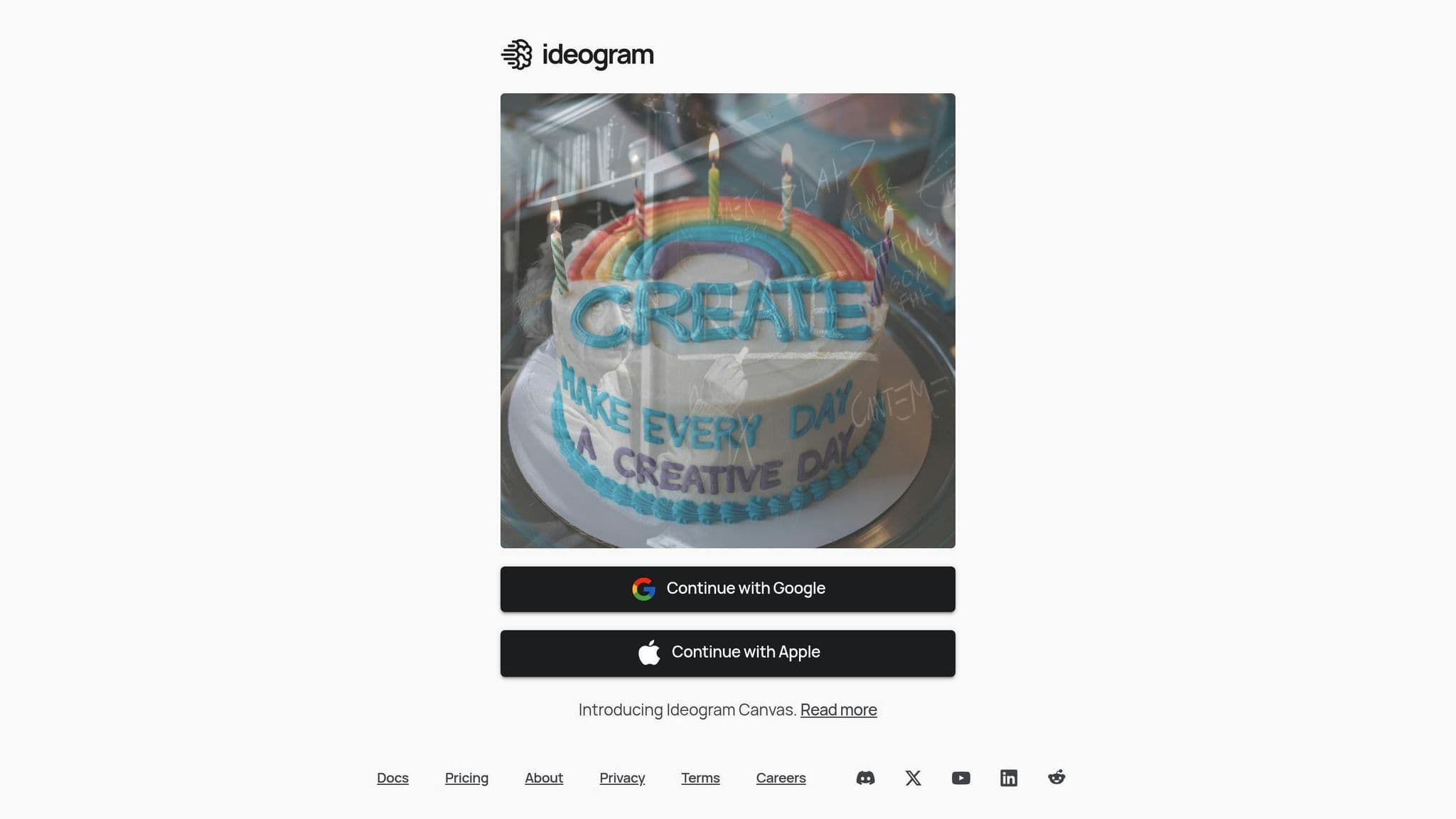
Ideogram is a game-changer for professionals in the design world, especially those who need to seamlessly combine text with visuals. This AI tool specializes in producing images with sharp, accurate text rendering.
Key Features
| Feature | Use Case |
|---|---|
| Precise Text Integration | Ideal for ad campaigns and branding materials |
| Versatile Style Options | Perfect for product packaging and marketing assets |
| Advanced Prompt Interpretation | Great for creating detailed scenes and narratives |
| Alignment with Brand Guidelines | Ensures consistency with corporate identity |
These features make Ideogram the go-to tool for projects that demand flawless text and image integration, filling a gap left by other image generators like DALL-E 3.
Real-World Impact
Nike showcased Ideogram's potential in September 2024 by using it during the concept phase of a new sneaker line. What typically took three weeks was condensed into just 48 hours, with five AI-generated concepts directly influencing the final designs. This example highlights how Ideogram can speed up creative processes without sacrificing quality.
Integration and Workflow
Ideogram integrates seamlessly into design workflows through plugins compatible with popular design software. This functionality has made it a trusted tool for over 2 million creative professionals.
Pricing Options
| Plan | Cost | Features |
|---|---|---|
| Free | $0 | 25 image generations per day |
| Pro | $20/month | 500 generations and advanced tools |
| Enterprise | Custom Pricing | Unlimited access and API integration |
"Best-in-class for text-in-image generation" - TechCrunch, December 2024
Things to Keep in Mind
While Ideogram is excellent for text-heavy designs, users should exercise caution with confidential projects since images are stored publicly. Some designs might require slight vector tweaks despite the tool's ability to maintain consistency. Its public accessibility aligns with the Creative AI Ethics Coalition's transparency guidelines.
Looking ahead, Ideogram plans to expand into video and 3D content creation by Q3 2025, catering to the growing need for multimedia solutions.
Model Features Comparison
This breakdown focuses on the key differences between popular tools, helping you choose the best fit for your project needs.
Performance and Output Quality
| Model | Main Strength | Resolution/Quality | Processing Speed |
|---|---|---|---|
| Midjourney V6 | Artistic imagery | 61.7% improvement in fidelity | 15-30 seconds per image |
| Adobe Firefly | Video generation | High-res video/image | Real-time rendering |
| NanoGPT | Text and image generation | All the top models | 1-10 seconds per image |
| Runway ML | Video editing | Varies | Real-time editing |
| DALL-E 3 | Photorealistic images | Professional-grade quality | 5-10 seconds per image |
| Ideogram | Text-image integration | High-res with text | 10-20 seconds per image |
Creative Ecosystem Fit
Each tool integrates differently into workflows. Adobe Firefly works effortlessly with Creative Cloud, making it ideal for Adobe users. Runway ML offers a web-based platform, balancing ease of use with professional-grade video tools. Midjourney, operating within Discord, appeals to community-focused creators. For cross-format creativity, Firefly excels in Adobe environments, Runway supports video-heavy pipelines, and Ideogram specializes in brand-oriented designs.
Safety and Content Moderation
All tools adhere to Creative AI Ethics Coalition standards. DALL-E 3 and Adobe Firefly set the benchmark with advanced content filtering and watermarking features.
Pricing Models
- Subscription-based: Midjourney, Adobe Firefly, Runway ML
- Pay-as-you-go: NanoGPT, DALL-E 3
- Freemium option: Ideogram
User Experience
Interfaces vary widely. DALL-E 3 keeps things simple with easy-to-use prompts, while NanoGPT caters to advanced users with its API-driven customization. This makes NanoGPT a better choice for those focused on specialized text generation.
Development Pace
Midjourney V6 stands out with frequent updates and improvements. Other platforms focus on balancing stability with gradual feature additions.
Key Takeaways
Here's a quick breakdown to help professionals choose the right tools for their needs:
- Midjourney V6 stands out for creating detailed concept art with tools that allow precise style adjustments. It's a favorite among illustrators and pre-production teams, thanks to its advanced prompts and high-resolution output.
- Adobe Firefly Video Model simplifies video editing with AI features like object removal and clip extension. Fully integrated into Creative Cloud, it offers an easy-to-use interface and has earned a stellar 4.8/5 rating from over 10,000 users.
- NanoGPT is perfect for writers looking for fine-tuned text generation. With pay-as-you-go pricing and local data storage, it emphasizes privacy and supports multiple models, making it a flexible choice for content creators.
- Runway ML is a go-to for filmmakers, offering an all-in-one video editing suite and tools for seamless collaboration across devices. It was recognized with the 2024 "Most Innovative AI Tool for Filmmakers" award.
- For text-to-image generation, DALL-E 3 leads the pack. Its improved prompt handling and consistent artistic results make it an excellent tool for designers working on complex, commercial-grade projects.
- Ideogram excels in creating visuals with integrated text, offering precise typography controls that are essential for branding and marketing materials.
When choosing a tool, consider your main medium, how well it fits into your workflow, and any ethical concerns. These platforms are shaping the hybrid human-AI workflows that are becoming the norm in the creative economy of 2025.