
Why AI Images Have Artifacts and How to Solve It
AI-generated images often have flaws called artifacts, such as blurry details, warped features, or awkward color transitions. These issues arise from limitations in AI models, problems with training data, or errors during image creation. Artifacts can affect image quality, making them less suitable for professional use.
Key Reasons for Artifacts:
- Model Limitations: Fixed resolution, poor context handling, and data compression.
- Training Data Issues: Bias, inconsistent quality, or incorrect labeling in datasets.
- Generation Errors: Noise, missing details, or misinterpreted prompts.
Solutions:
- Use advanced AI models with better resolution handling and context processing.
- Write clear, detailed prompts to guide the AI.
- Fix flaws with specialized editing tools or manual post-processing.
Platforms like NanoGPT simplify access to improved models like Dall-E and Stable Diffusion, offering local data storage for privacy and pay-as-you-go pricing.
AI is improving, and with the right tools and methods, creating artifact-free images is becoming easier.
NEW AI Artifact Removal
Main Causes of Image Artifacts
Three main factors contribute to AI-generated image artifacts: model design limitations, training data issues, and errors in the generation process.
AI Model Design Limits
The architecture of AI models can introduce artifacts, as seen in the following examples:
| Limitation Type | Impact on Images | Common Artifacts |
|---|---|---|
| Resolution Constraints | Fixed output sizes require upscaling | Pixelation, blurry details |
| Attention Mechanism | Limited context window for image elements | Inconsistent features, misaligned patterns |
| Latent Space Compression | Data compression leads to information loss | Color banding, texture artifacts |
These limitations affect the model's ability to handle complex visual relationships, often reducing the quality of fine details or disrupting patterns.
Training Data Issues
The training dataset plays a critical role in determining the model's output quality. Problems in this area include:
- Dataset Bias: A lack of diversity in training data results in inaccurate or incomplete image elements.
- Quality Inconsistency: Variability in the quality of training images leads to uneven output.
- Annotation Problems: Incorrect or incomplete labels in the dataset can confuse the model, leading to artifact generation.
Since the model relies entirely on learned patterns, any flaws or gaps in the training data increase the likelihood of artifacts.
Generation Process Errors
Errors during the image generation process can also result in artifacts:
1. Sampling Method Limitations
The process of converting latent representations into images can introduce noise or distortions, often affecting delicate details like facial features or text clarity.
2. Resource Constraints
When models are optimized for speed or lower computational demand, it can result in:
- Missing or incomplete details
- Simplified textures that lack depth
3. Prompt Interpretation Errors
Misinterpretation of user prompts can lead to conflicting elements in the image, such as inconsistent lighting, perspective issues, or anatomical inaccuracies.
Understanding these causes sets the stage for exploring solutions in the following section.
How to Fix Image Artifacts
Tackling image artifacts requires a mix of smarter AI models, advanced tools, and refined workflows. Here's how these solutions come together.
Smarter AI Models and Training
New AI models are designed to address the root causes of artifacts, offering improvements in architecture and training methods. Here's how they help:
| Improvement | Issue Addressed | Approach |
|---|---|---|
| Resolution Handling | Reduces pixelation and blur | Dynamic resolution scaling |
| Context Processing | Ensures feature consistency | Enhanced attention mechanisms |
| Data Compression | Minimizes color banding | Optimized latent encoding |
These advancements allow for cleaner and more consistent image outputs.
Tools for Cleaning Up Images
Several tools are now available to fix image artifacts effectively:
- Specialized AI Image Editors: These tools are designed to detect and correct issues like inconsistent textures, unnatural color transitions, and geometric distortions.
- Post-Processing Workflows: Standard editing software can help with targeted corrections, including selective sharpening, smoothing color gradients, and harmonizing textures.
NanoGPT Solutions
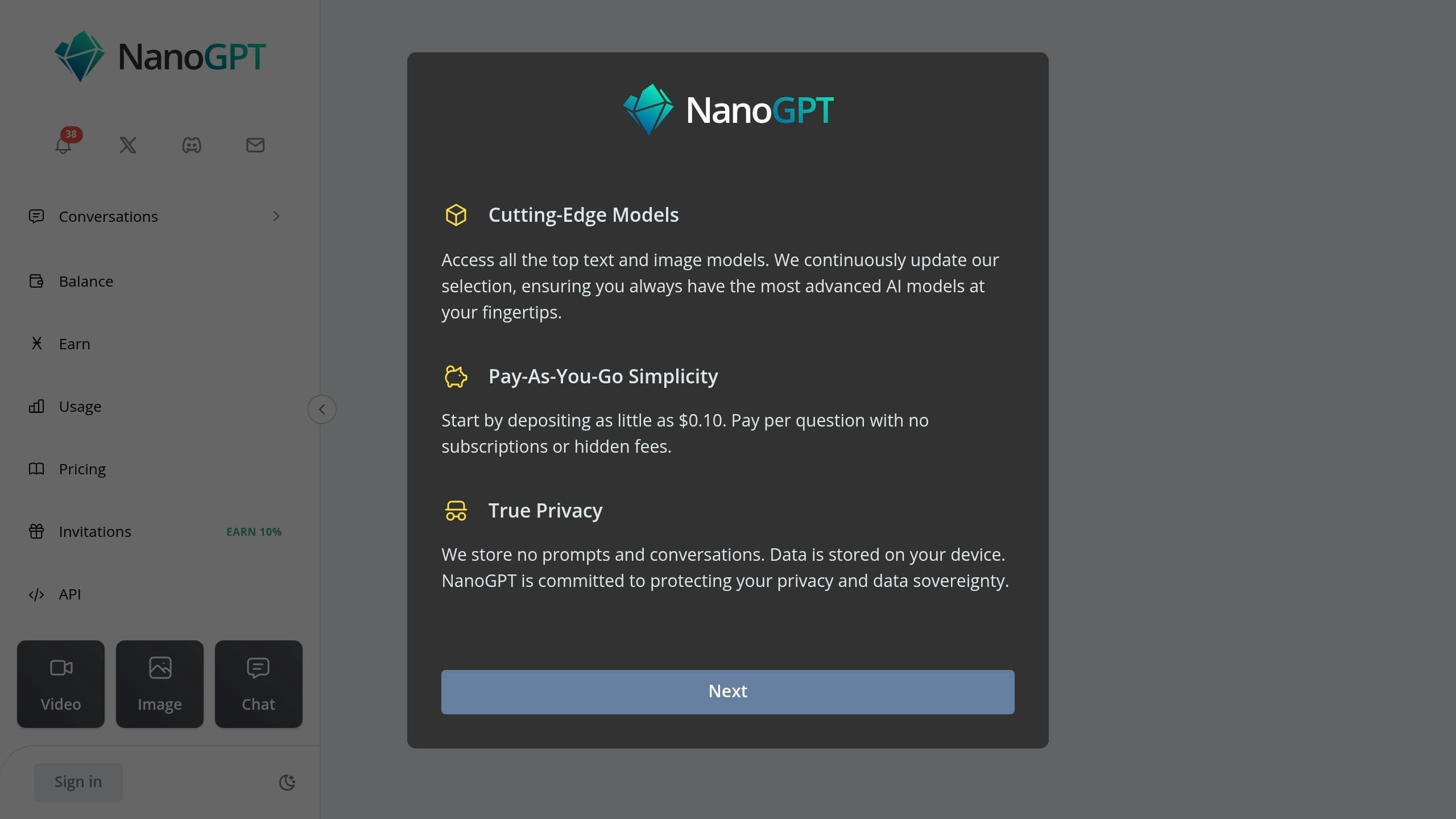
NanoGPT simplifies access to advanced models like Dall-E and Stable Diffusion. With pricing starting at $0.10 per use and local data storage for privacy, it offers flexibility and control. Key benefits include:
- Comparing outputs from multiple models to find the best fit
- Choosing the right model for specific image types
- Retaining full control over the image generation process
sbb-itb-903b5f2
Tips to Prevent Artifacts
Here’s how you can reduce AI image artifacts by refining your approach.
Writing Better Prompts
Crafting clear and detailed prompts is key to getting high-quality results. Here’s what to include:
- Style: Specify the look you want, like "photorealistic" or "high detail."
- Composition: Mention elements like "centered subject" or "natural lighting."
- Technical Details: Request "high resolution" or "sharp focus."
- Simplicity: Opt for "simple background" or "minimal elements."
You can also guide the AI by stating what to avoid, like "no distortions" or "no blurry edges."
And don’t forget - choosing the right AI model is just as important as writing a good prompt.
Selecting AI Models
The AI model you use can make a big difference in reducing artifacts. Since models have design limitations, pick one that aligns with your goals. Platforms like NanoGPT regularly update their models to tackle artifact issues, making them a solid choice.
Image Touch-up Methods
Refining your images after generation can help eliminate lingering issues. Here’s a quick workflow:
1. Initial Assessment
Look for problems like texture inconsistencies or color banding in the image.
2. Selective Corrections
Fix specific areas by blurring noise, smoothing gradients, or enhancing textures.
3. Quality Control
Compare the edited image with the original to ensure no new issues have been introduced.
This process ensures a polished final result.
What's Next in AI Image Quality
The world of AI image generation is moving fast, with strides being made to improve image quality and minimize artifacts. Let’s take a closer look at how this technology is evolving.
Tackling Artifacts in New Ways
AI models are now focusing on stopping artifacts before they even appear, rather than fixing them afterward. By refining model architectures and using better training data, these systems are producing cleaner, more natural-looking images right from the start.
NanoGPT's Contributions
NanoGPT is at the forefront of these advancements, regularly updating models like Dall-E and Stable Diffusion. Their pay-as-you-go system, which stores data locally for improved privacy, highlights their push toward cutting-edge solutions. These updates showcase how the industry is working to make artifact prevention a seamless part of image generation.
As these methods continue to evolve, expect AI-generated visuals to become even more lifelike, closing the gap between what’s possible now and the goal of perfect image creation.
Conclusion: Tips for Better AI Images
Creating high-quality AI images is now within reach, thanks to advanced tools and precise methods. Success comes from using the right AI models, crafting clear prompts, and relying on platforms that prioritize both quality and privacy.
Modern tools have made strides in preventing and removing visual flaws, also known as artifacts. For example, platforms like NanoGPT offer access to powerful models such as Dall-E and Stable Diffusion, while ensuring local data storage for added privacy. This thoughtful combination of cutting-edge technology and user-friendly design addresses current challenges and opens doors to new possibilities.
The process of generating better AI images involves careful model selection, precise prompt writing, and effective use of post-processing tools. Instead of just fixing issues after they appear, today’s solutions aim to prevent them from happening in the first place. This approach aligns with the emphasis on clarity, refinement, and attention to detail throughout the image generation process.
With advancements in AI models, enhanced training data, and intuitive platforms like NanoGPT offering flexible pay-as-you-go options, achieving artifact-free images is becoming easier. These developments are paving the way for a future where producing high-quality AI-generated images is standard practice.